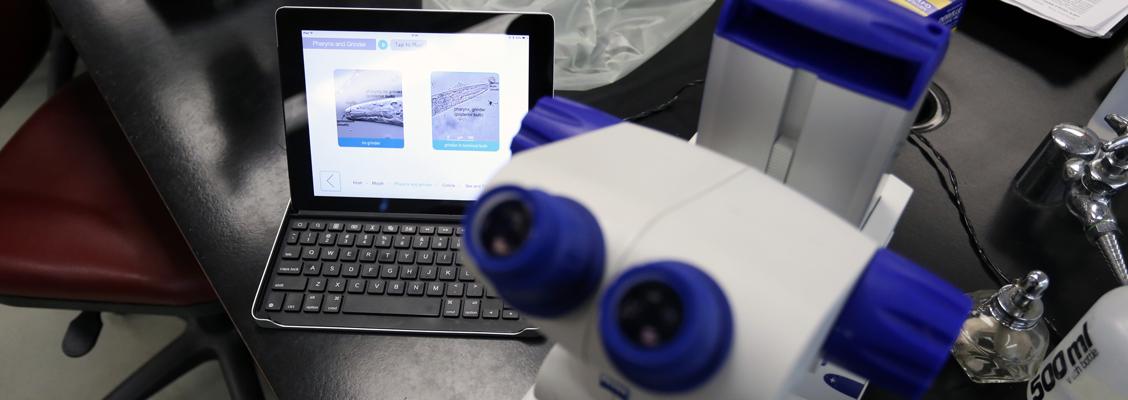

The myCSUNtablet initiative is a partnership of California State University, Northridge and Apple, Inc. that seeks to reduce the cost and increase the quality of learning materials for students. Participating students will use iPads and gain immediate access to e-books and related e-learning materials in a suite of courses in select majors. Participating faculty will receive an iPad and help from professional course designers who understand the relation among effective teaching, creative use of authoring tools, and accessible design.
Why CSUN? The academic plans and IT Vision@2015 have anticipated a widening deployment of portable devices and cloud technology for teaching and learning. Faculty already are using such strategies to engage students with different styles and paces for learning. CSUN students are urban commuters, tech-savvy and on tight budgets. Portability, cost control, and media-enriched content that can be personalized, are their common expectations.
Why Apple? Many companies make tablets; several produce and solicit applications but few have thought as holistically as Apple. They are sensitive to users’ preferences and have created a system that integrates devices, applications, authoring tools, repositories, and consultation. We at CSUN can benefit from progressive, coherent thinking as we re-think course design and delivery.
Why now? At CSUN, the largest college has issued iPads to the faculty, as have departments in other colleges. The device has become the industry standard in nearby K-12 and helping professions, with whom we place interns and graduates. And the governor signaled in the budget an interest in supporting technological solutions for persistent problems in access, cost, and completion in higher education. Finally, the surge in hybrid courses and e-books that our faculty author indicates that CSUN has reached a tipping point for strategic change.


Learn more about the Apple iPad accessibility features, including assistive technologies for the visually and hearing impaired.
Training can help you make the most of your device. Visit the training page for a list of resources that will help you make the most of your iPad experience.
Visit the technical support page for more information on Apple's iPad technical support website as well as CSUN specific, support for your iPad.