GPS (Global Positioning System) Activities
To plot data on Google Earth from a table of waypoints
 GPS Information
- GPS Glossary - GPS terminology
- GPS - The United States Global Positioning System
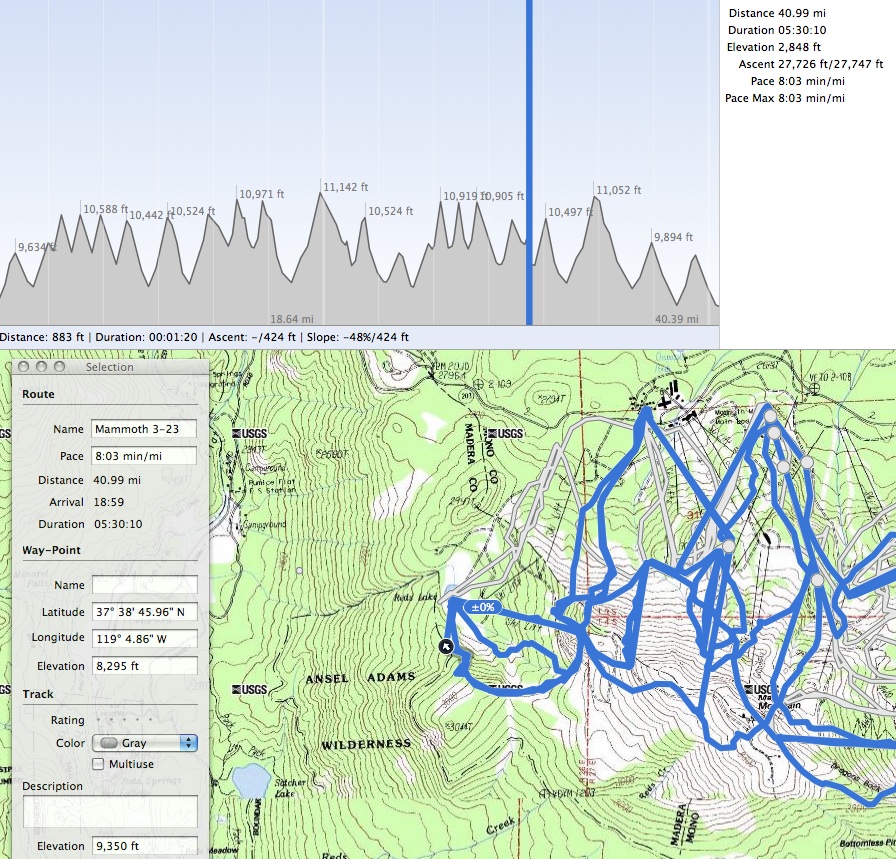
Sample Activity - Mammoth Mt.
Resources
To plot GPS data from your device to your computer:
- Connect GPS device to computer. This is done with a USB or serial cable.
- GPS & computer syncing. When using a Mac and Garmin GPS, you may need the GPS Garmin Communicator Plugin to communicate between Garmin GPS and computer.
- Convert GPS files into desired format. Use GPSBabel or similar software to convert the native files in the GPS device to gpx or kml (kmz) files.
- Plot the data using TrailRunner , Google Earth, GPS Vizualizer, or similar GPS mapping software