FINAL PROJECT FOR
GEOGRAPHY 406: ADVANCED GIS
POTENTIAL SKI RESORT SITES IN THE
Introduction
The town of
Purpose
The purpose of
this project is to use Geographic Information Systems (GIS) to determine the
potential for suitable ski resort locations in the
Criteria
Five main criteria were used for this
suitability analysis. These criteria
include:
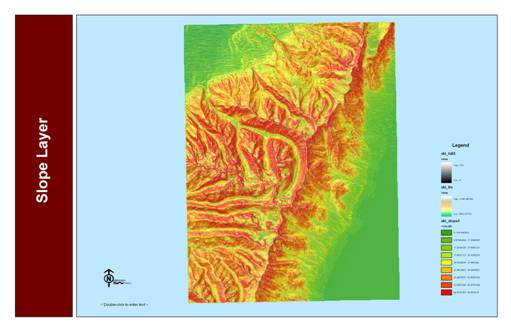
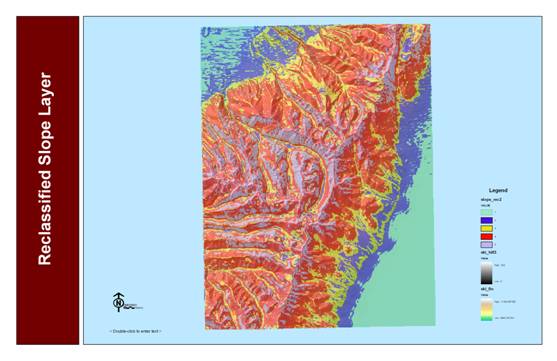
Slope - It is important to consider slope in any ski resort
suitability study. Potential ski areas
need to have a slope grade that is steep enough for skiers. Since the majority of skiers ski at an
intermediate experience level, slopes between 25% and 45% were seen as the most
suitable.
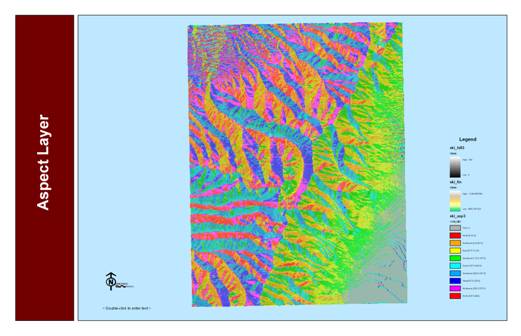
Aspect
- Aspect is a very important factor when
considering suitable locations for a ski resort. The aspect directly relates to the amount of
direct incoming solar radiation, which affects both the quality and quantity of
snow on the slopes. For the purpose of
this study, areas with north, northeastern, and northwestern facing slopes were
seen as the most suitable.
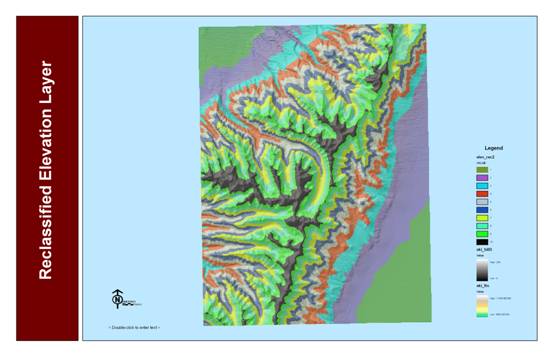
Elevation - Since the
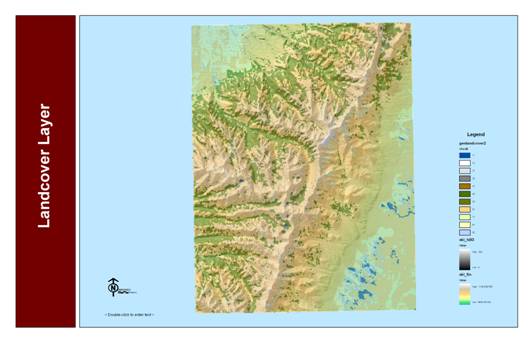
Landcover - Areas that were
covered predominately with evergreen or mixed forest were designated as
suitable. This criteria
was based largely on the aesthetic and visual value of trees. Skiers tend to prefer wooded areas as opposed
to barren areas.
Distance from Roads: Transportation to and from resort areas is
a key component of ski resort operation.
Therefore, a distance from major roads criteria was
incorporated into this analysis.
Areas within 1 mile of a major road or highway were considered to be the
most suitable for this study.
Data
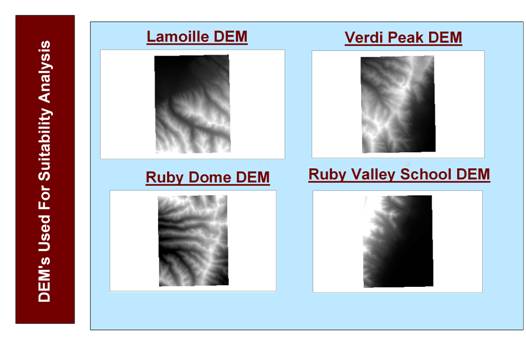
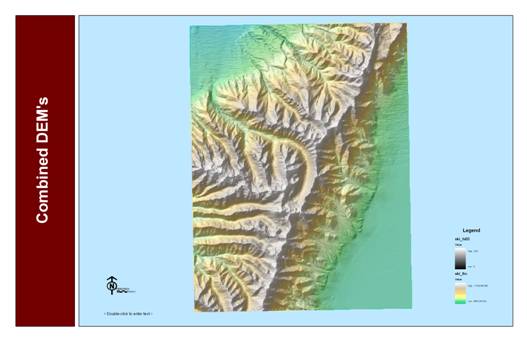
Digital
Elevation Models (DEM) were a significant portion of my project since, slope, aspect and elevation are key factors in determining
ski resort site suitability. The DEM’s that were used consisted of 4 30-meter resolution
quadrangles residing in the
Methodology
The analysis techniques used in this study
utilized both raster and vector data.
RASTER ANALYSIS:
-
Converted 4 SDTS quadrangles to digital elevation models
(DEM’s).
-
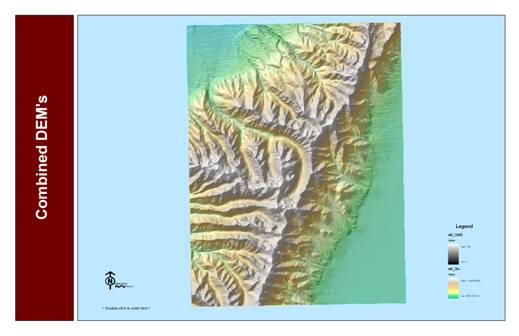
Mosaicked the four DEM’s into one combined DEM layer using the spatial analyst
raster calculator.
-
Derived slope and aspect layers from the combined DEM
layer in spatial analyst.
-
Slope, aspect and elevation layers were reclassified
using the spatial analyst reclassify function.
-
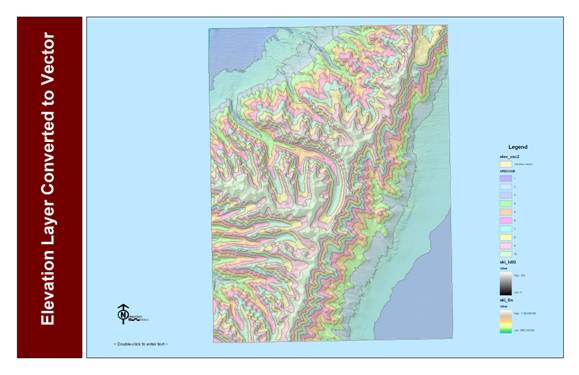
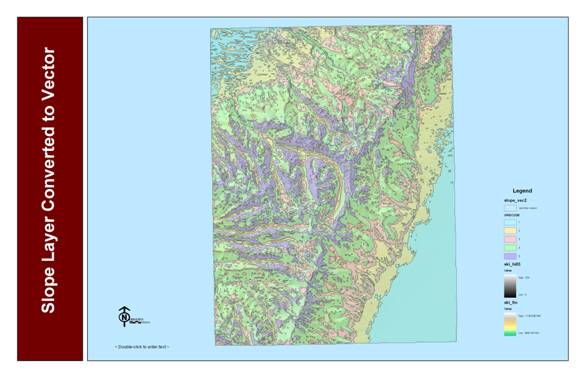
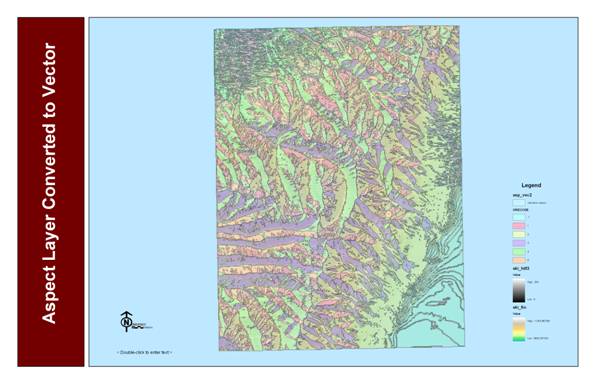
Converted slope, aspect, elevation and landcover raster layers to vector layers using the spatial
analyst convert raster to features option.
VECTOR ANALYSIS:
-
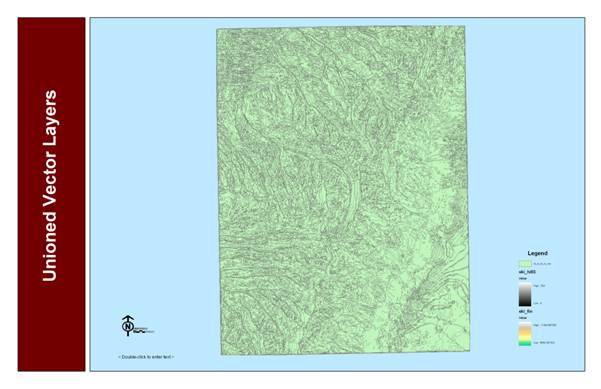
Combined the slope, aspect, elevation and landcover vector layers into one final vector layer using
the geoprocessing wizard union layers option.
-
Joined weights tables that were constructed for each
individual variable to the combined vector layer attribute table with the join tables option.
-
Created a new field in the combined vector attribute
table and named it Total weights.
-
Used the field calculator to sum the weights for the
combined variables. This allowed for the
identification of the areas that best met the set of criteria.
-
Used the buffer wizard option to create a 1-mile buffer
around the major roads layer.
-
Used the select by locations option to select areas
completely within the 1 – mile buffer.
Procedures
Step #1: Mosaic DEM’s
Four DEM’s
Combined DEM’s
Step #2: Derive slope,
aspect and elevation layers from DEM
Main Criteria Layers
Slope Layer
Aspect Layer
Elevation Layer
Landcover Layer
Step #3: Reclassification
Elevation Layer
Slope Layer
Aspect Layer
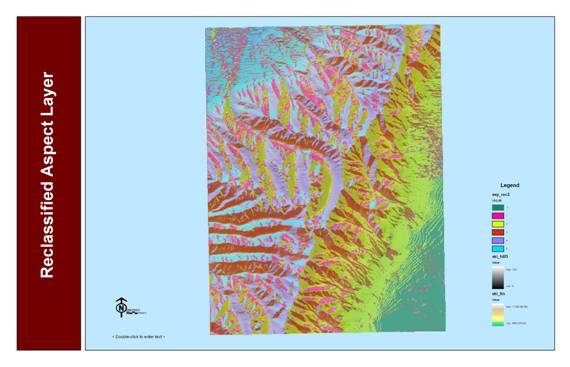
Step #4: Conversion to
Vector
Elevation Vector Layer
Slope Vector Layer
Aspect Vector Layer
LandCover Vector Layer
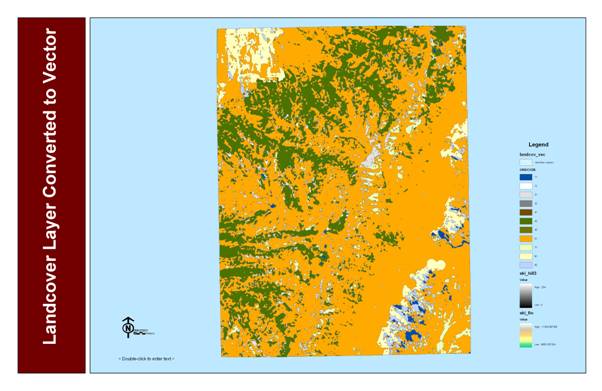
Step #5: Combine Vector
Layers
Unioned Vector Layers
Step #6: Join Weights Tables
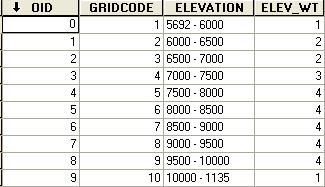
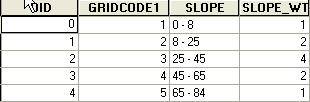
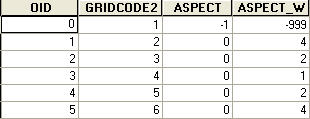
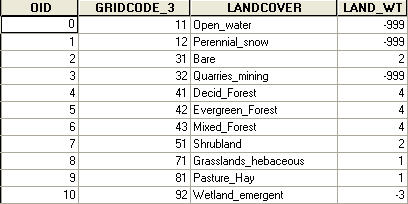
Weights Tables
The attributes
in each table were weighted according to their importance. The attributes that best fit the selected
criteria were given a weight of 4. Attributes
that somewhat fit the selected criteria where given values of 2 and 3. Attributes that least fit the selected
criteria were given a weight of 1. Attributes
that were not applicable to this study were given a weight of -999. The most suitable locations will have a total
weight of 16.
Elevation Weights Table
Slope Weights Table
Aspect Weights Table
Landcover Weights Table
Step #7: Calculate Total weights Map
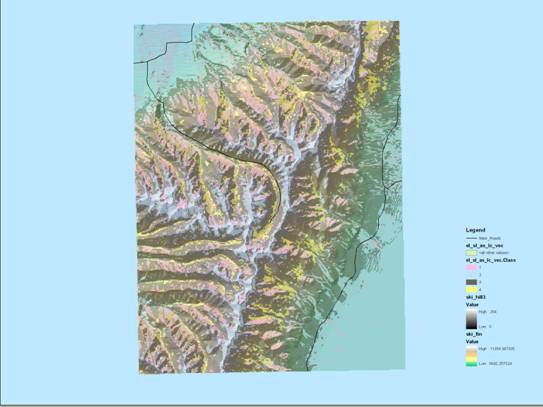
The total
weights values were simplified by creating a working classification field in
the unioned vector layer attribute table. Values between 13 and 16 were given a value
of 4 and considered to be the most suitable.
Values between 9 and 12 were given an value of
3 and considered to be somewhat suitable.
Values between 1 and 8 were given a value of 2 and considered least
suitable. Values between 0 and -1996
were given a value of one and considered not suitable.
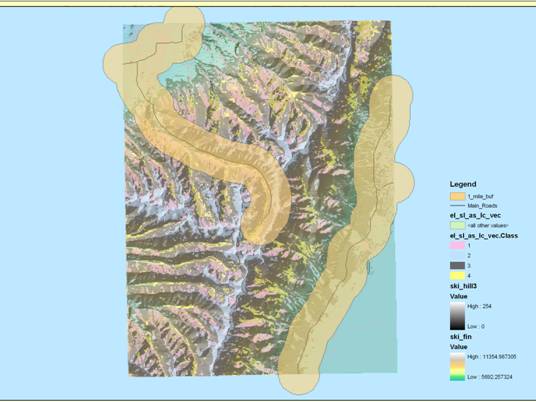
Step #8: Create a 1-Mile Buffer Around
Major Roads
Only areas with a working classification
value of 4 were considered when looking for locations within 1 – mile of major
roads.
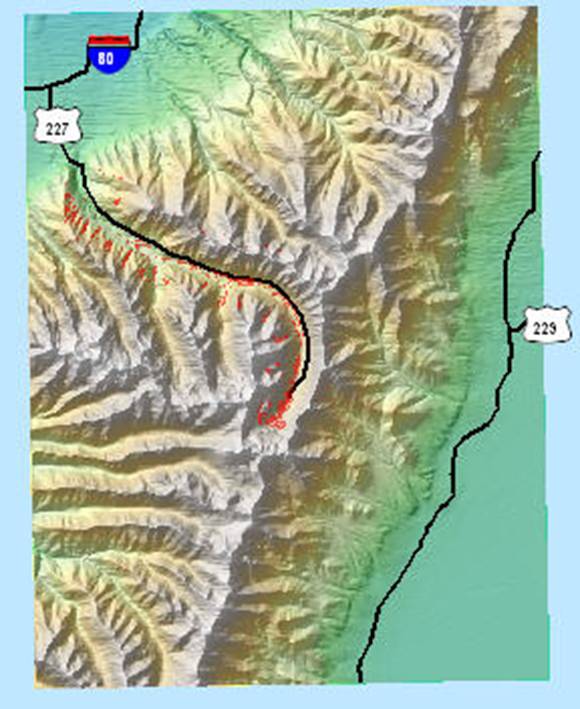
Step #9: Create the Final Map
Results
Red
Areas indicate locations that are the most suitable for the construction of a
ski resort. The siting
of these areas was based solely on the criteria chosen for this study.
Conclusion
There
were as number of sites that I found to be suitable. According to my criteria, the best sites for
a potential ski area reside toward the mouth of Lamoille canyon in the
Northwest region of my study area as well as the very end of